Light Box Studio · for 3D printers
Names that glow. Printed by you.
Type a name, drop in a logo or a pet photo. Light Box Studio gives you the STL files for a frame, a white diffuser front and a back panel, plus a lit proof image to send your customer before you print.
Free for names · Pro $29 · Commercial $79, one-time
Runs in your browser. Nothing is uploaded.
What it makes
Night lights, pet lithophanes and shop signs from one tool
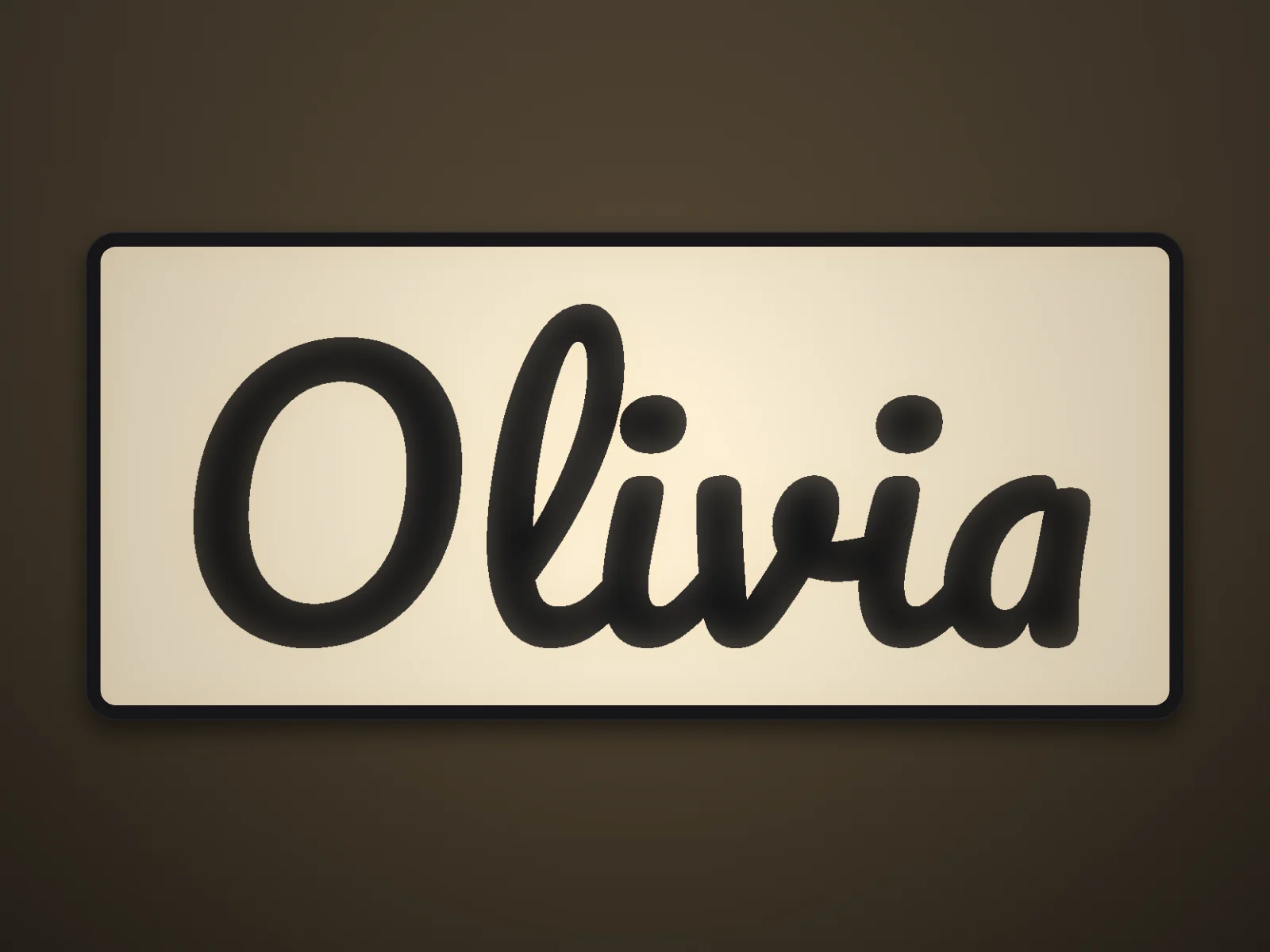
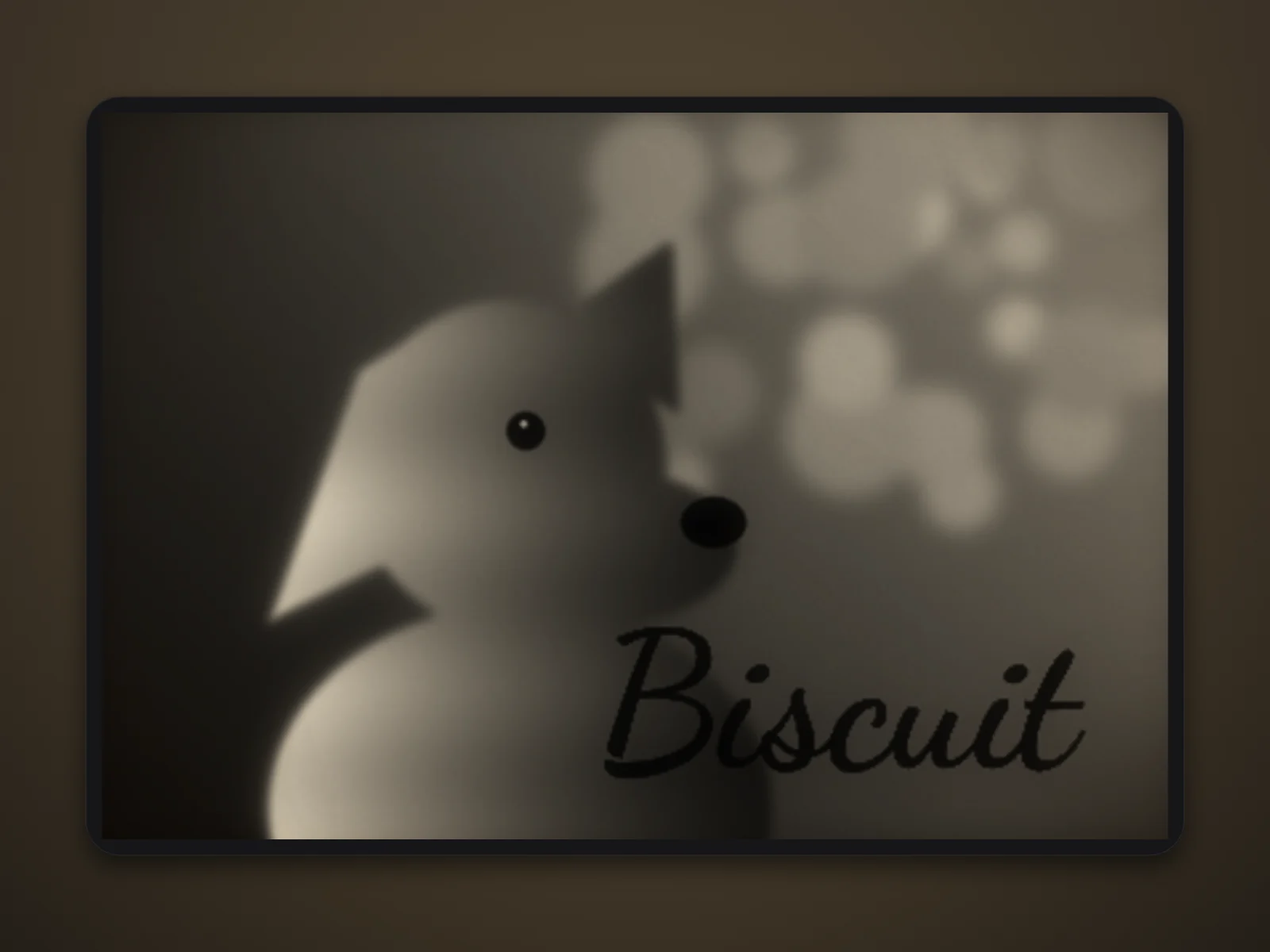
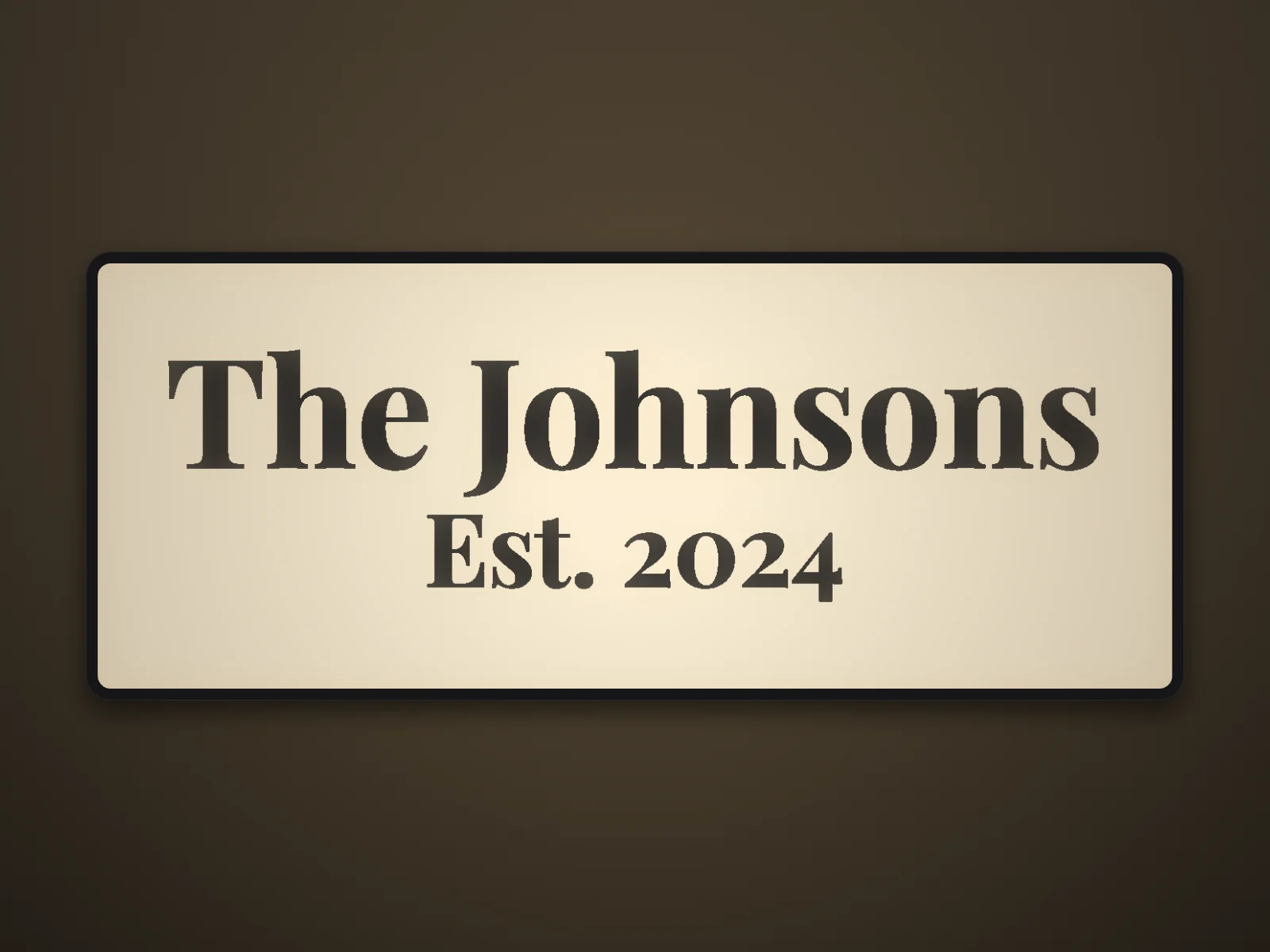
The three gifts people ask for every December. Each picture below is the proof image the tool exports, untouched.
Lit preview
See it lit before you print a layer
The preview shows how light actually passes through the front. White glows, colours glow tinted, black blocks light. Flip the lights off to see how it looks on a shelf in the daytime.
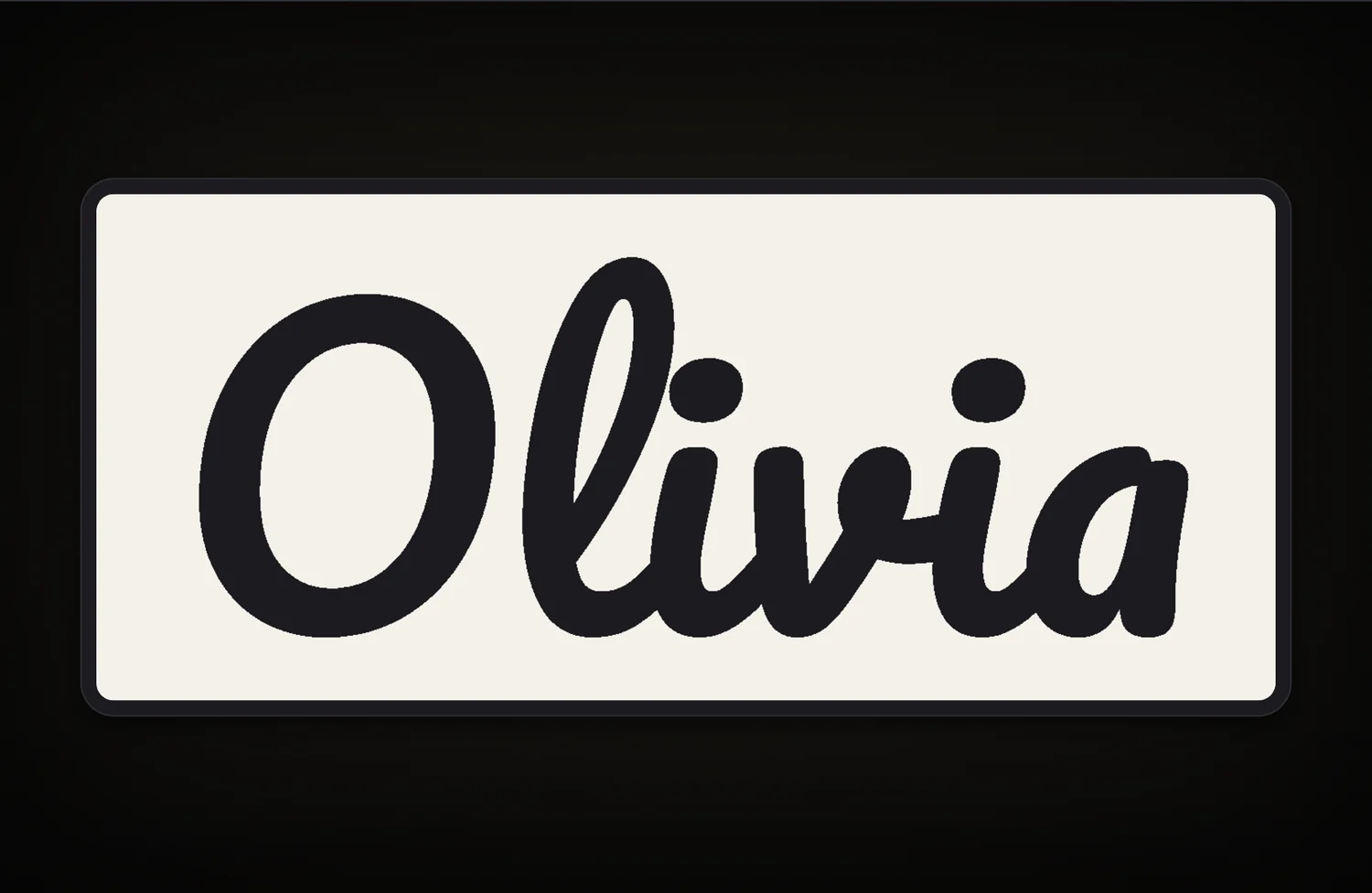 Lights off
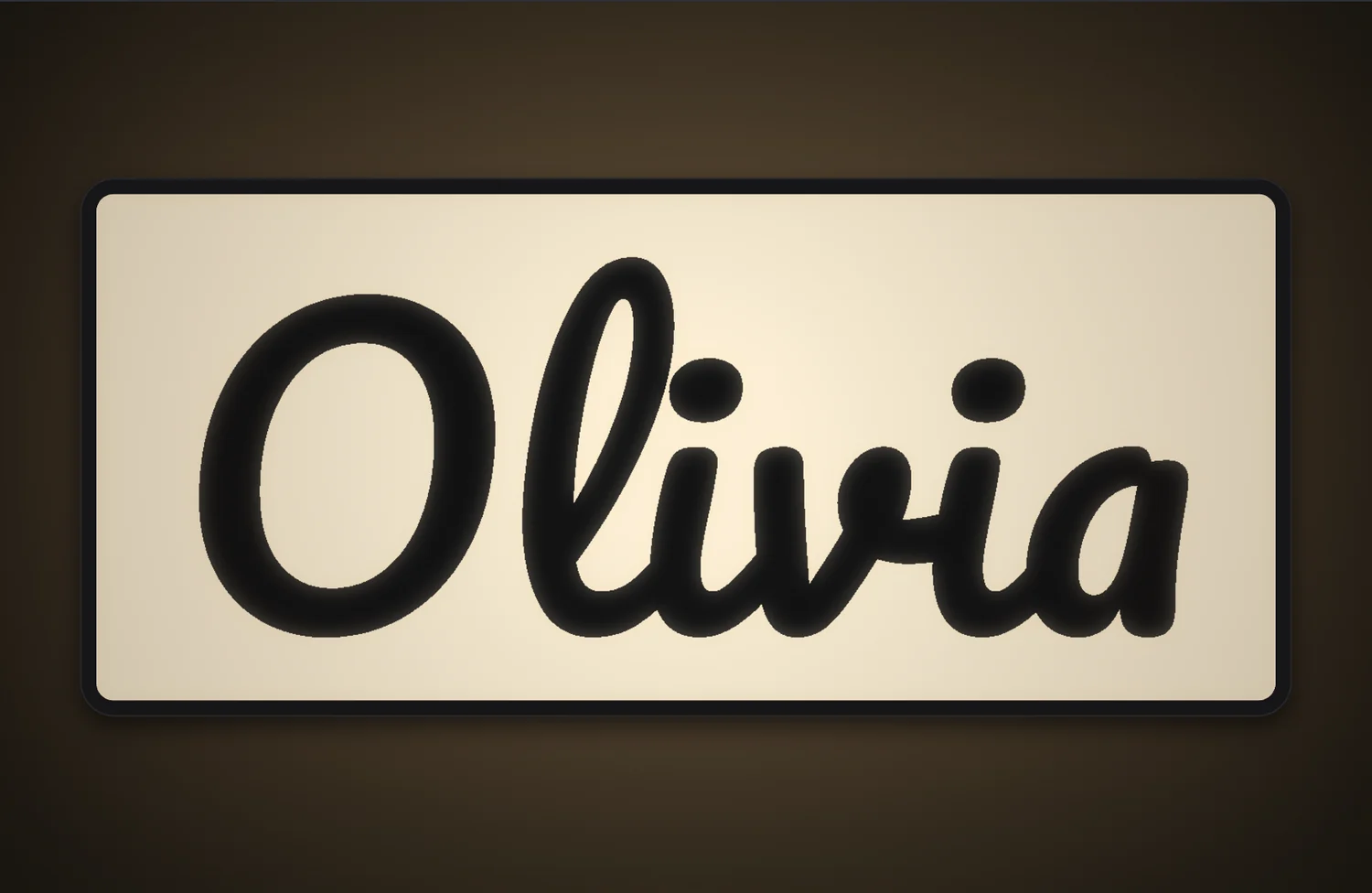 Lights on
 Lights off
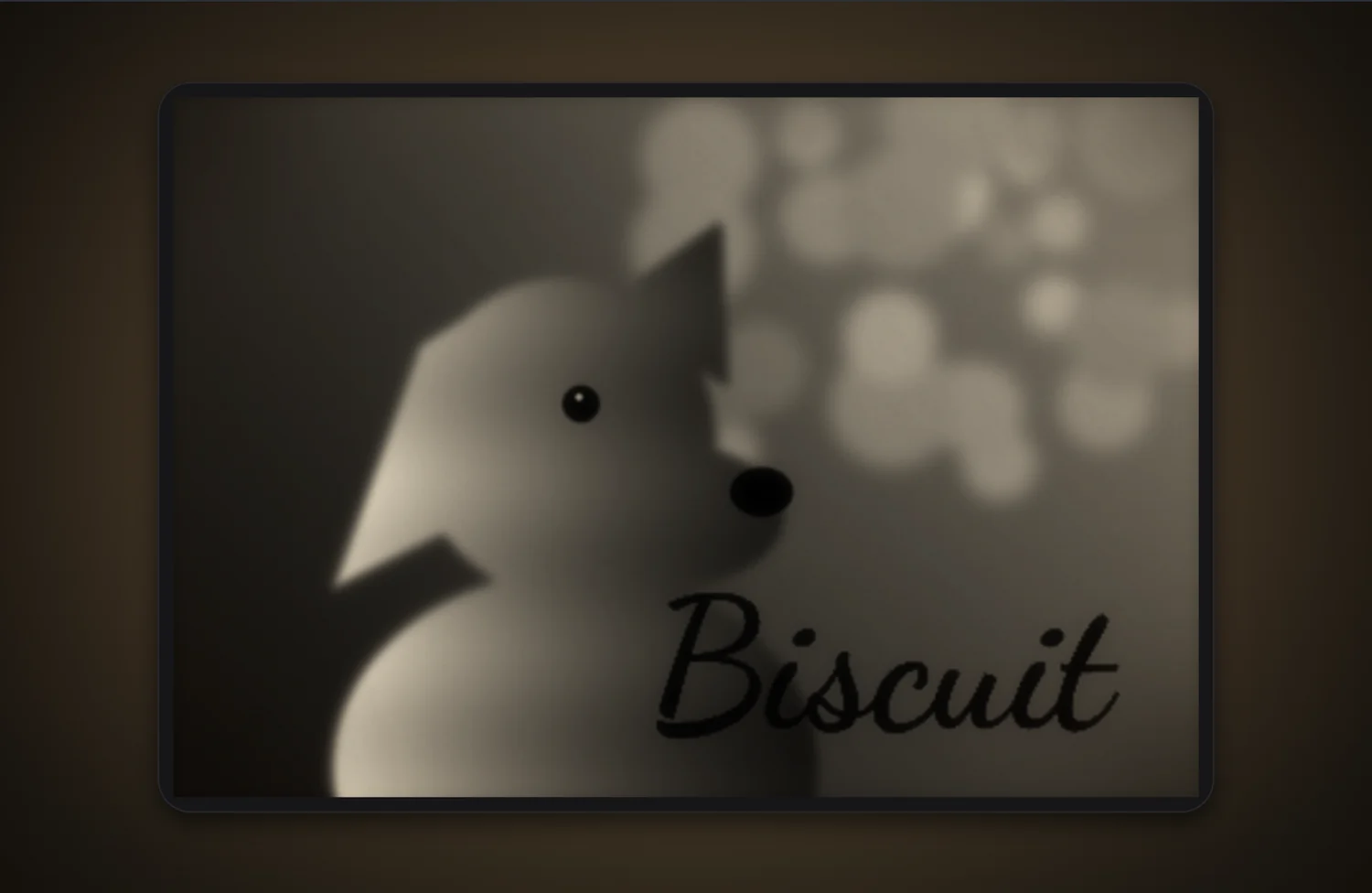 Lights on
For Etsy sellers Pro
Today's orders, one paste, one zip
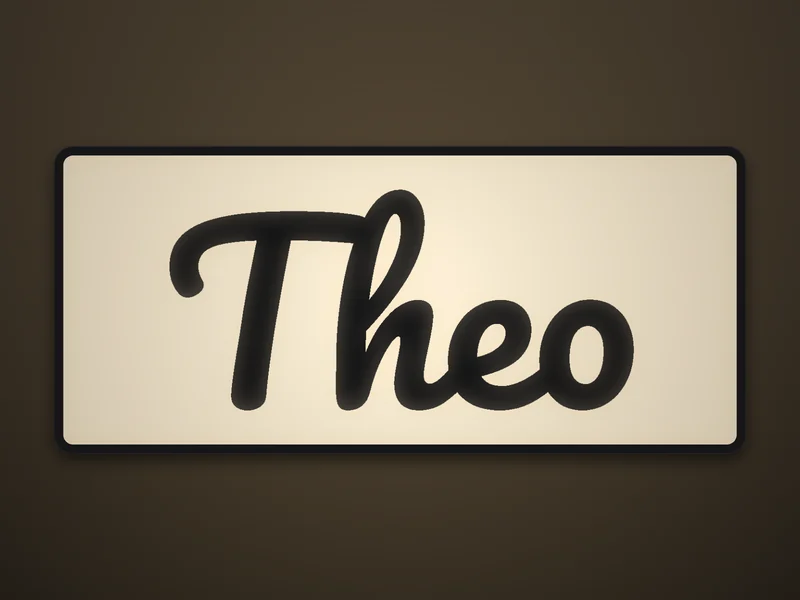
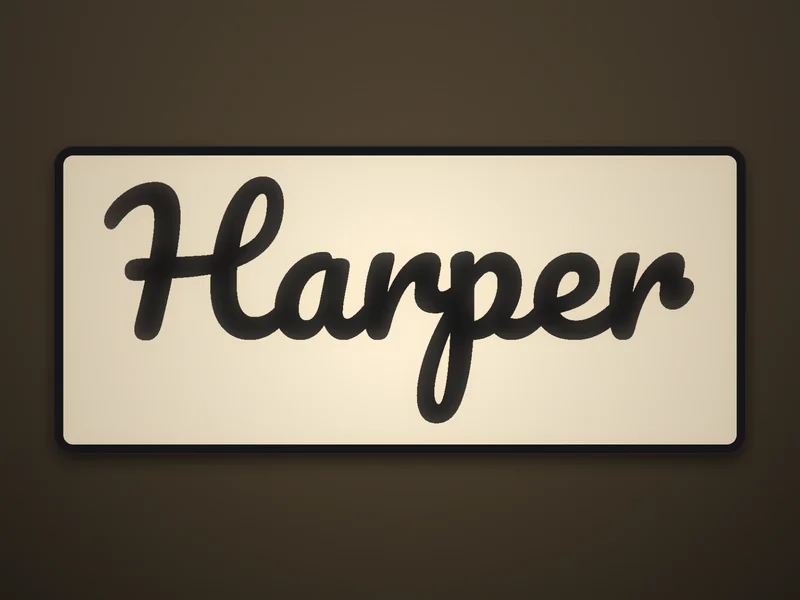
Personalised name lights are a copy-and-paste job. Set up the design once, then let batch mode make a front and a proof for every name.
- Set up one design
Font, box size, depth and fit. Every name uses these settings.
- Paste the names from your orders
One per line in Batch names. Up to 200 at a time.
- Download one zip
A shared frame and back panel, plus a front and a proof.png for every name.
- Send proofs, then print
Message each buyer their proof. Print the ones they approve.
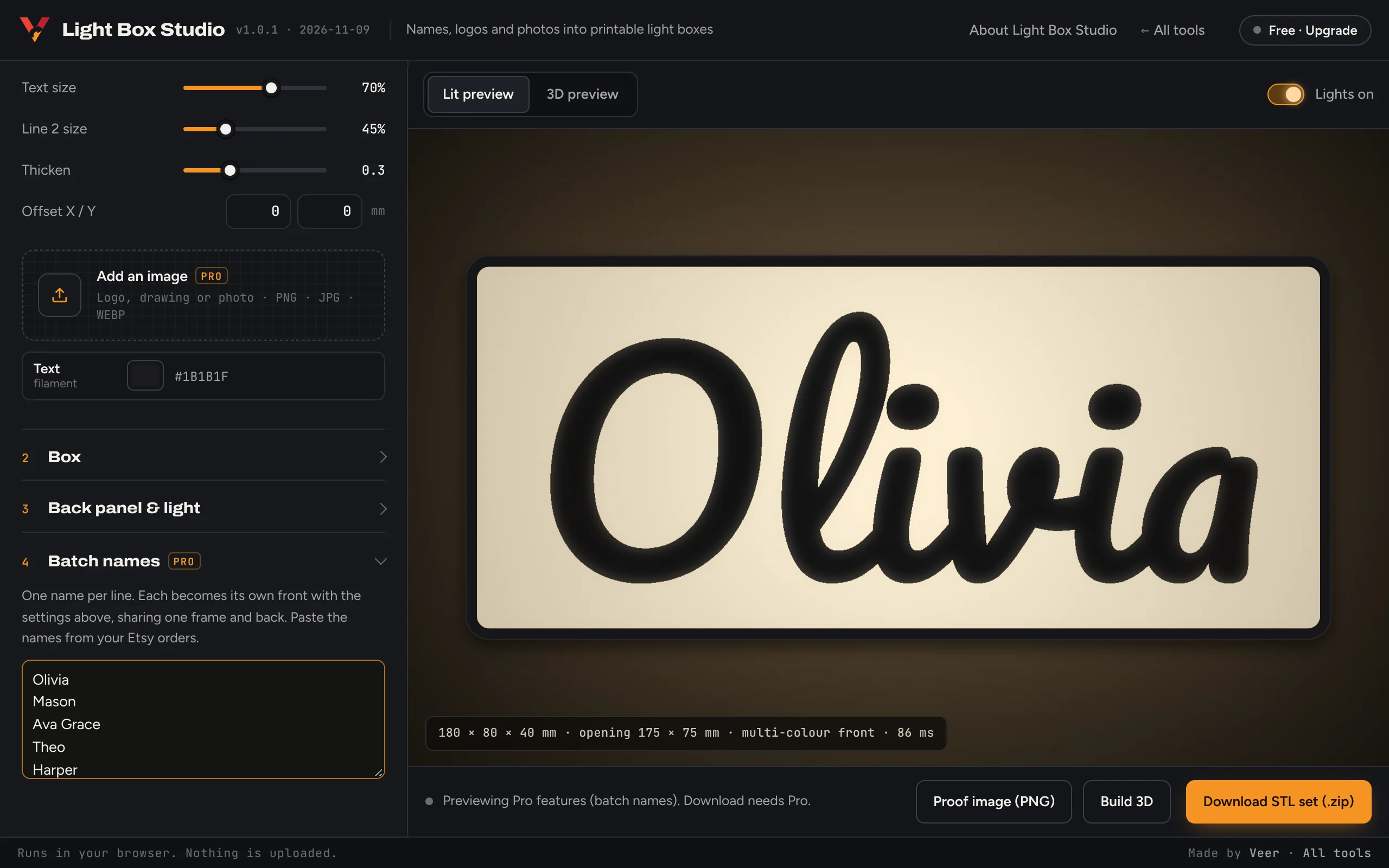
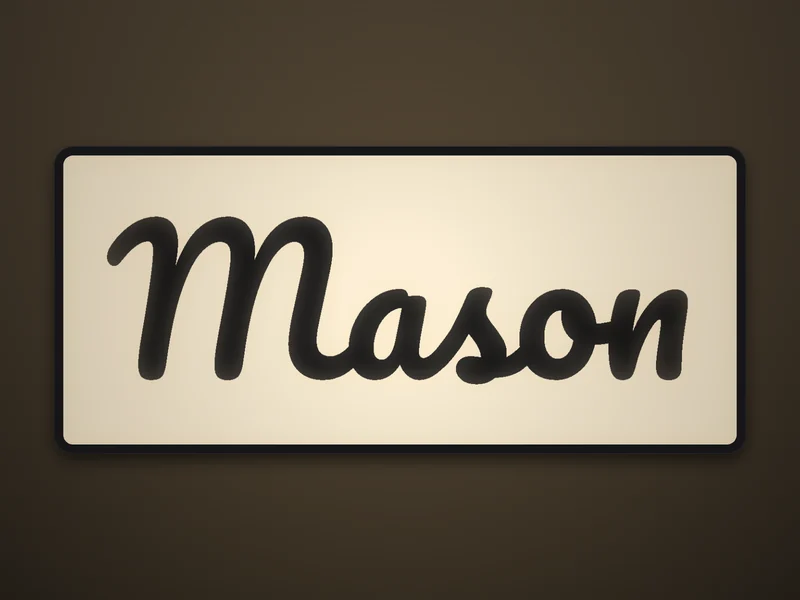
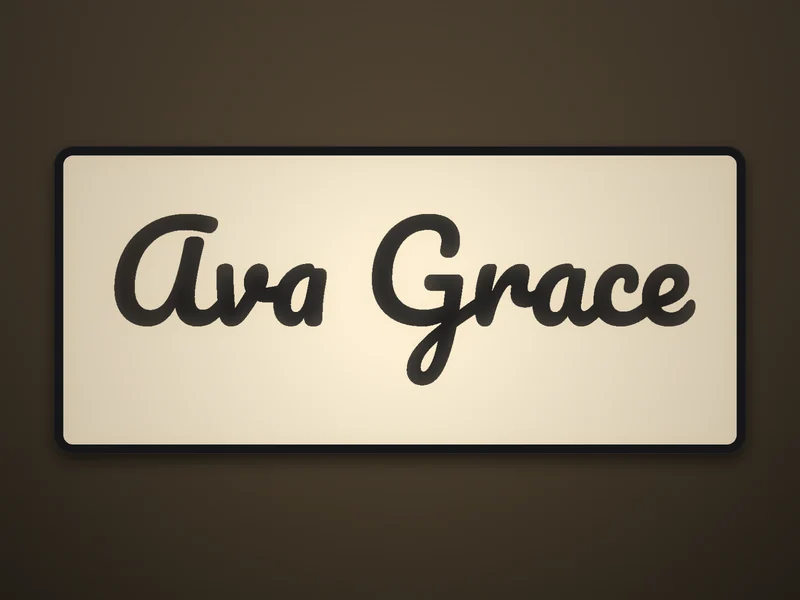
batch_6_lightbox.zip
├─ 1_box/frame.stl              shared by every name
├─ names/
│  ├─ 001_Olivia/  2_front.stl  3_colour1.stl  proof.png
│  ├─ 002_Mason/   2_front.stl  3_colour1.stl  proof.png
│  └─ …            one folder per name
├─ 2_back/back.stl              shared by every name
└─ README.txt                   print settings and import steps
How it works
Four panels, top to bottom
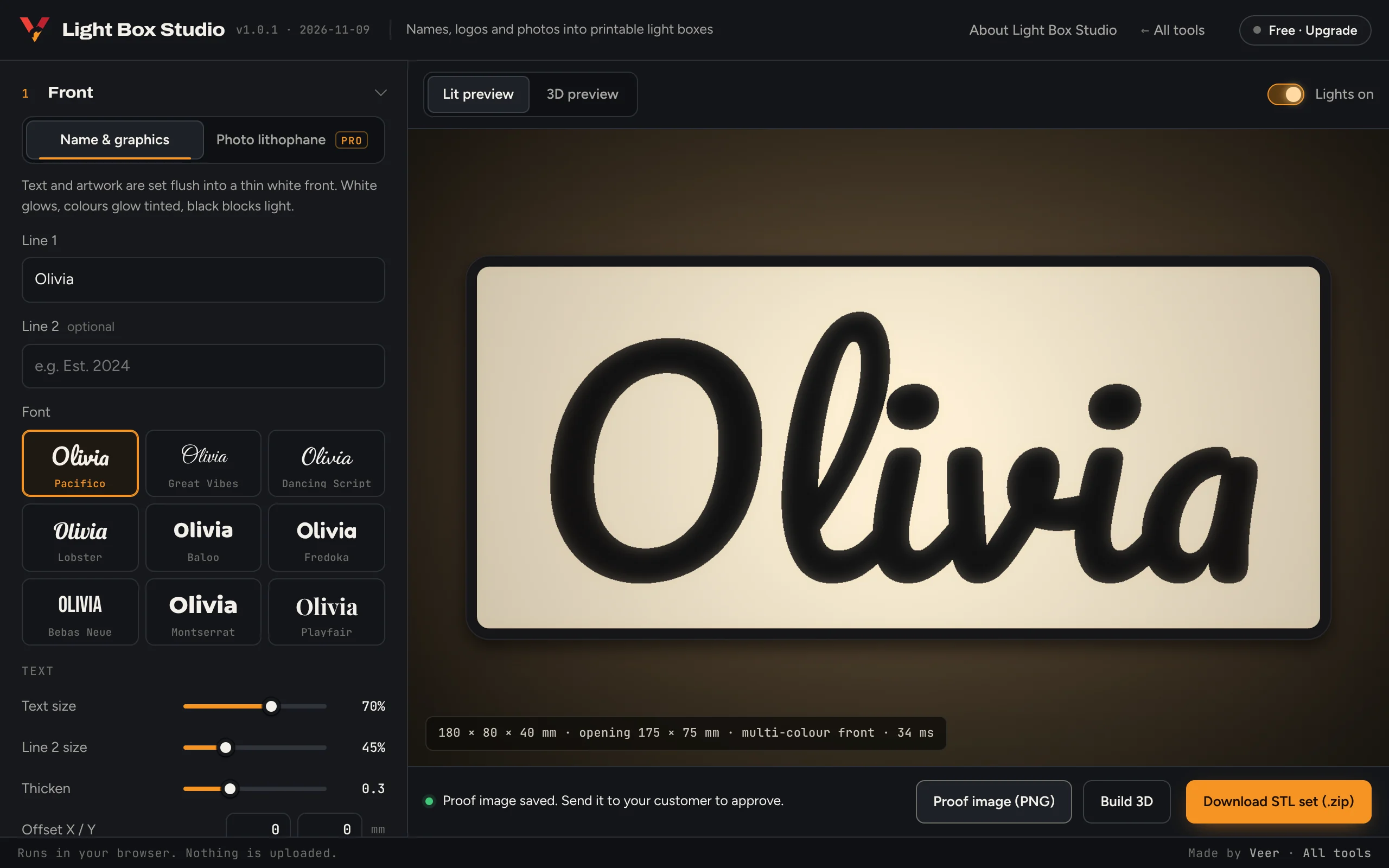
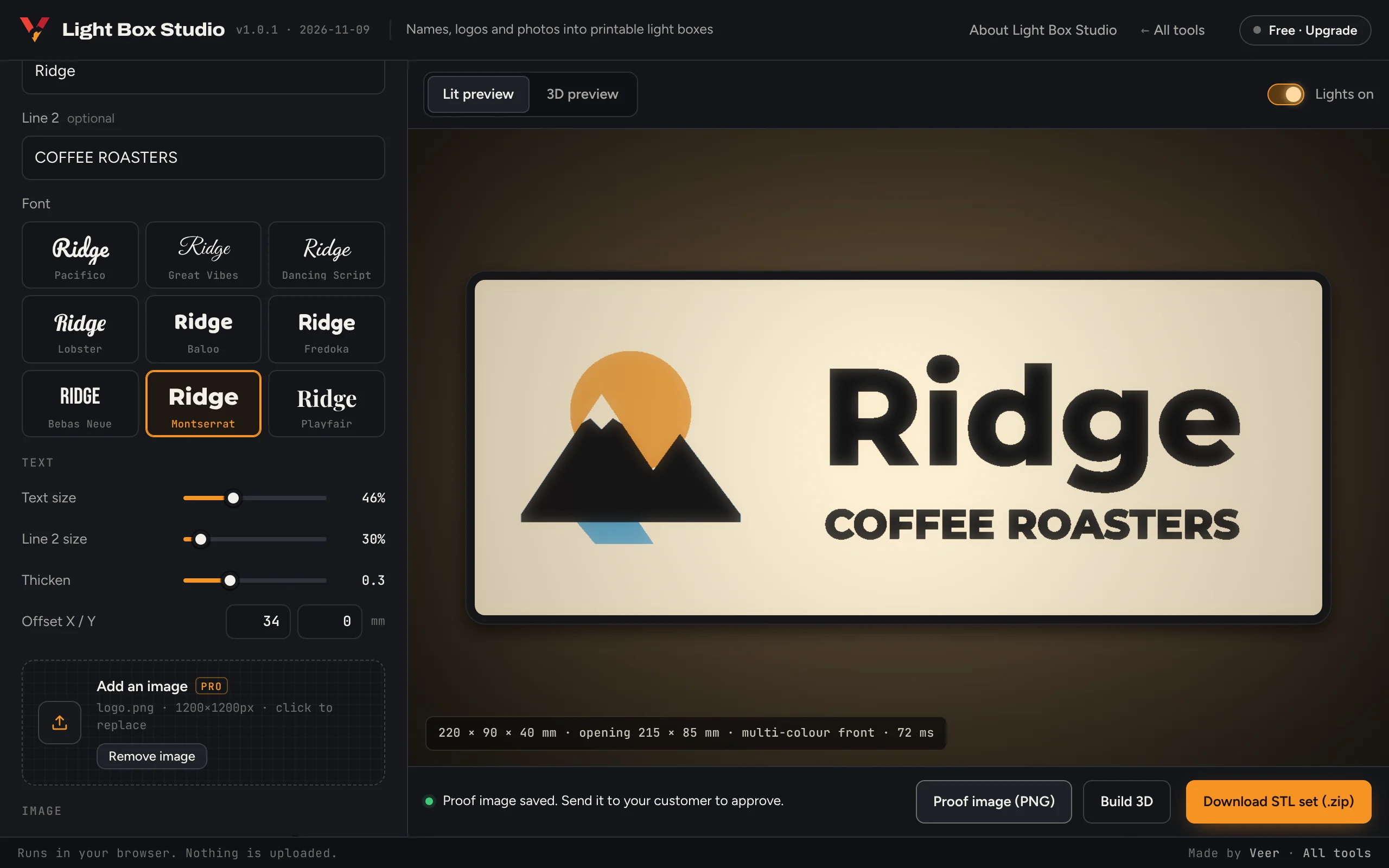
Open the tool and work down the left side. The preview updates as you type.
1Front
Pick Name & graphics (text and artwork set flush into a thin white front) or Photo lithophane. Type up to two lines in 9 fonts, from Pacifico and Great Vibes to Bebas Neue and Playfair. Add a logo or photo and choose 1 to 3 image colours.
2Box
Choose a size preset or type your own. Set depth, wall, corner radius, front thickness, and the frame and front colours.
3Back panel & light
Turn on the cable hole and keyhole slots, and pick how tightly the back fits: snug, standard or loose.
4Batch names
Paste a list of names to make one front and one proof per name, sharing a single frame and back.
What you print
A frame, a front and a back
Two prints. The frame and front load as one multi-part object; the back panel prints on its own.
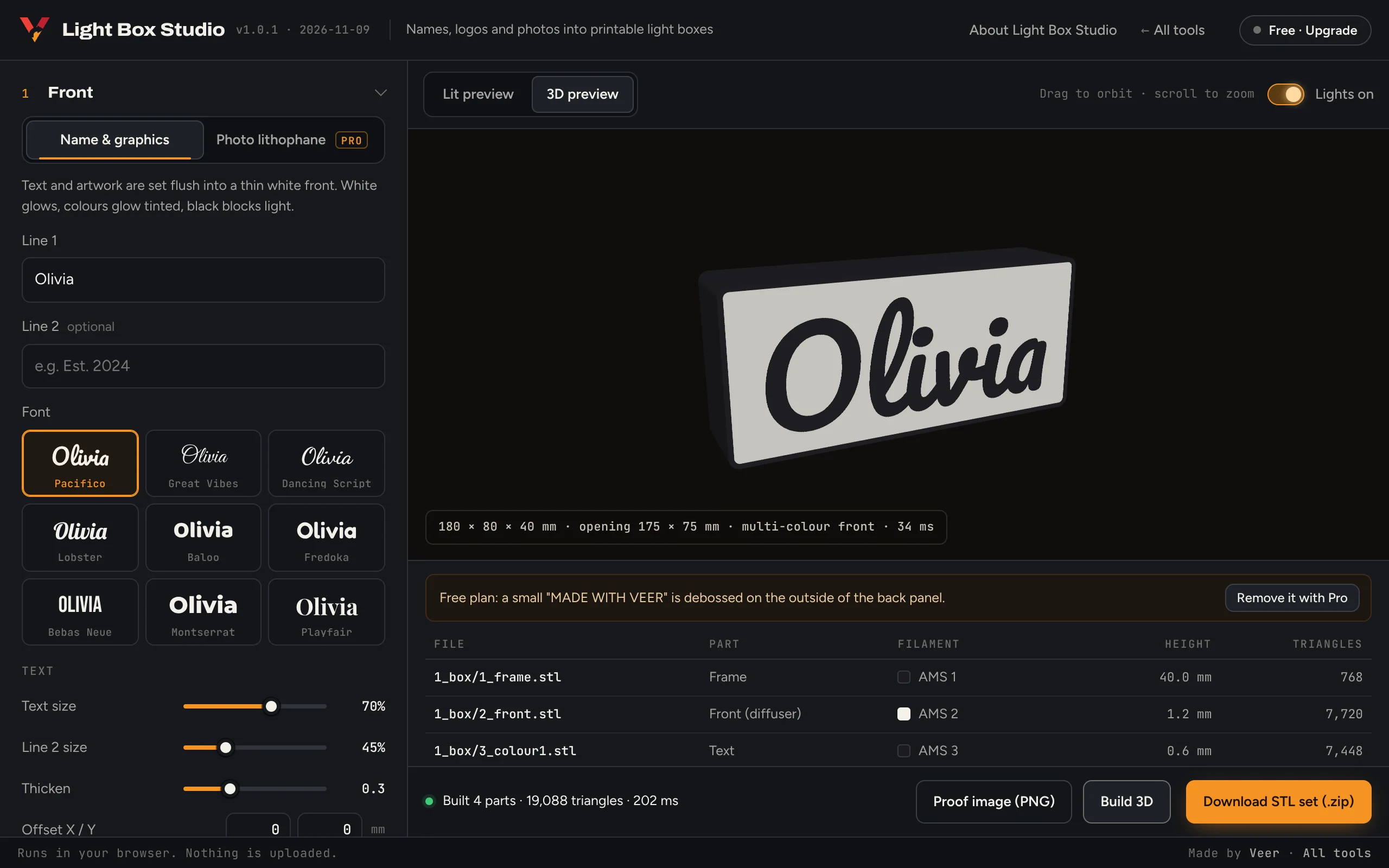
Frame1_box/1_frame.stl
The box walls, in any opaque filament. It prints front-down together with the front, so the face comes off a smooth plate clean.2.4 mm walls · 40 mm deep · 5 mm corners
Front1_box/2_front.stl + colours
The diffuser, in white PLA. For names and logos, each colour is its own STL set flush into the face, ready for an AMS. For photos, one lithophane of varying thickness.1.2 mm face · 0.6 mm colour depth · lithophane 0.8–3 mm
Back panel2_back/back.stl
A flat plate with a locating rim that presses into the frame. It has a slot for a USB cable and two keyhole slots for hanging it on a wall.2.4 mm plate · 4 mm rim · fit 0.2 / 0.3 / 0.45 mm
| Preset | W × H | Good for |
|---|---|---|
| Name sign | 180 × 80 mm | One name, a nursery or bedroom night light |
| Square | 120 × 120 mm | A logo on its own, a monogram |
| Wide | 220 × 90 mm | Family names with a second line, logo plus shop name |
| Photo 6 × 4 in | 162 × 112 mm | Landscape lithophanes |
| Photo portrait | 112 × 162 mm | Portrait lithophanes, pets sitting up |
| Custom | from 40 mm | Whatever fits the order |
Lighting
What goes inside
The box is built around a cheap USB LED strip. Here is a cross-section of the name sign.
- The light
A 5 V USB LED strip, warm white, about 50 cm long, stuck around the inside walls. It runs from a USB phone charger. A battery puck light stuck to the back panel works too.
- Depth
Keep the box at least 30 mm deep. Closer than that and you see the individual LEDs as hot spots on the front. The presets start at 40 mm.
- The cable
Run it out through the hole in the back panel before you press the panel in. The tool can leave the hole out if you use a puck light.
- Hanging
Two keyhole slots in the back panel, with an 8 mm opening for the screw head, hang it flat on a wall. Or just stand it on a shelf.
Pricing
Pay once. Make as many as you like.
Names are free. Logos, photos and batch are Pro. If you sell what you print, you need Commercial.
For a night light for your own kids.
- Names in 9 fonts, one or two lines
- Any box size, frame, front and back panel
- Lit preview, 3D preview, proof image
- Small “MADE WITH VEER” debossed on the back panel
- Personal use
For gifts with logos and photos.
- Everything in Free
- Logos and images, in up to 3 colours
- Photo lithophanes
- Batch names with a proof for each
- No mark on the back panel
- Personal use
For Etsy shops, craft fairs and custom orders.
- Everything in Pro
- The right to sell the light boxes you print
- Batch workflow for daily order runs
License key by email. Works offline after you unlock it.
Try before you buy. Logos, lithophanes and batch names all preview for free in the lit and 3D views. Pro is only needed to download the files.
FAQ
Before your first print
Which filament should I use for the front?
White PLA. It is the diffuser, so it should let light through evenly. For names and logos, black text blocks light and reads as a crisp silhouette; any other colour glows tinted. The frame and back can be any opaque colour. An AMS holds 4 filaments, and the tool warns you if a design needs more.
What layer height for a lithophane?
0.12–0.16 mm layers in white PLA at 100% infill look best. Name and logo fronts are fine at 0.2 mm. The README in every download repeats the settings.
How does the back attach?
The back panel has a 4 mm locating rim that presses into the back of the frame. No screws or glue. Pick snug (0.2 mm), standard (0.3 mm) or loose (0.45 mm) to suit your printer. If it comes out too tight or too loose, change the fit and re-export.
Can I sell the light boxes I print?
Yes, with Commercial ($79, one-time). Free and Pro are for personal use and gifts.
Do my customers need to use the tool?
No. You make the file and send them the proof image to approve. They never see Light Box Studio. In batch mode every name gets its own proof.png, ready to attach to an Etsy message.
Which printer and slicer does it work with?
The files are standard STL. The README gives the steps for Bambu Studio and OrcaSlicer: drag every file in 1_box onto the plate together and load them as one object with multiple parts. Name and logo fronts are multi-colour, so they need a multi-material setup such as a Bambu AMS.
Are my photos uploaded anywhere?
No. Light Box Studio runs entirely in your browser. Customer photos and names stay on your computer.
Light Box Studio
Type a name and turn the lights on.
It's free for names and needs no account. Upgrade when the first logo or photo order comes in.