Veer Tools

Browser tools for 3D-printing makers

Turn a logo, a name or a photo into print‑ready STL files.

NFC business cards, lit name signs, cookie cutters and multi-colour plaques. Each part comes out as its own STL, sized in millimetres, ready for the AMS in Bambu Studio.

  • Runs in your browser
  • Nothing uploaded
  • Free to use
  • Pro from $19, once
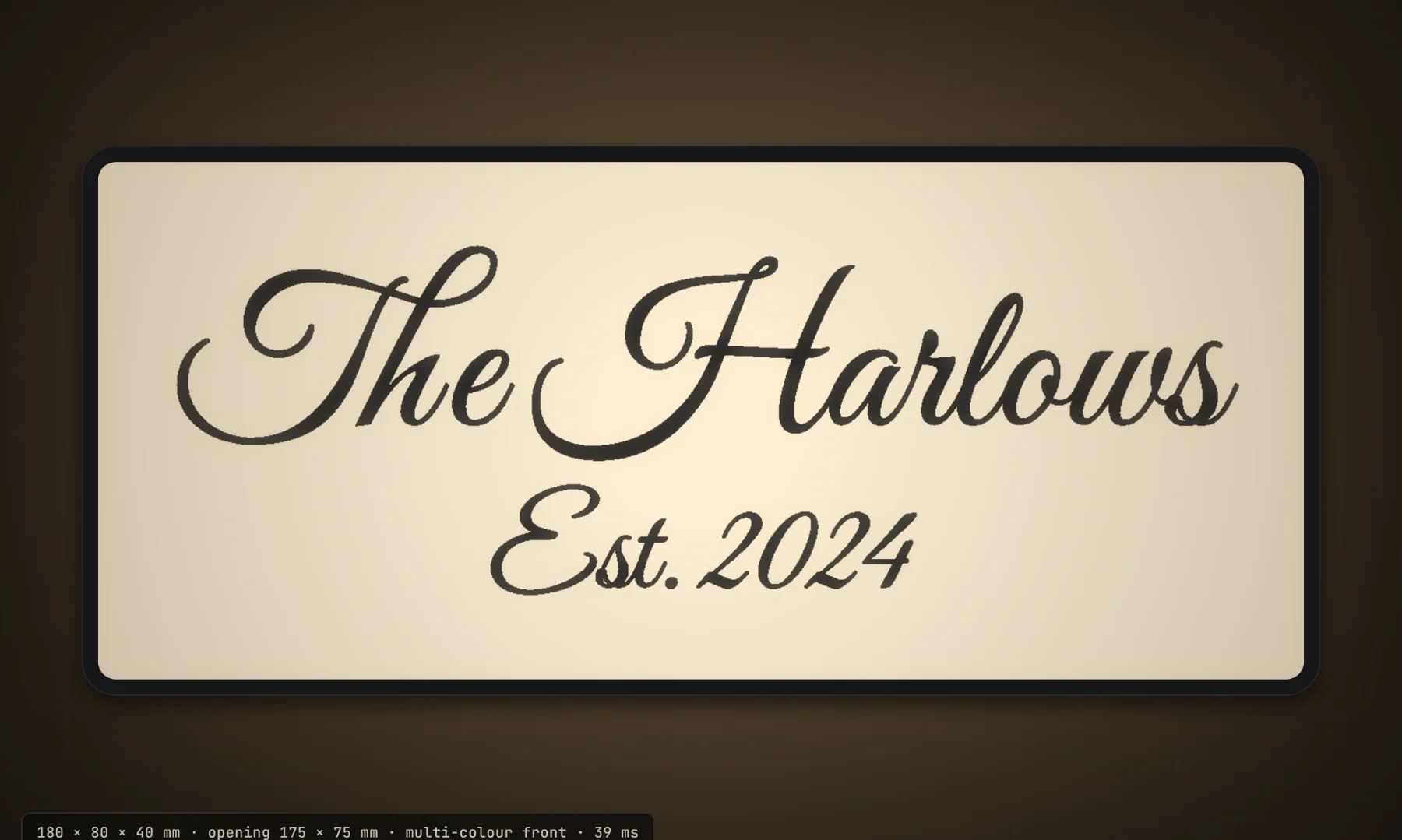
Light Box Studio's lit preview of a name sign reading “The Harlows, Est. 2024” in an elegant script, glowing warm white inside a dark frame.
180 × 80 × 40 mm · name sign
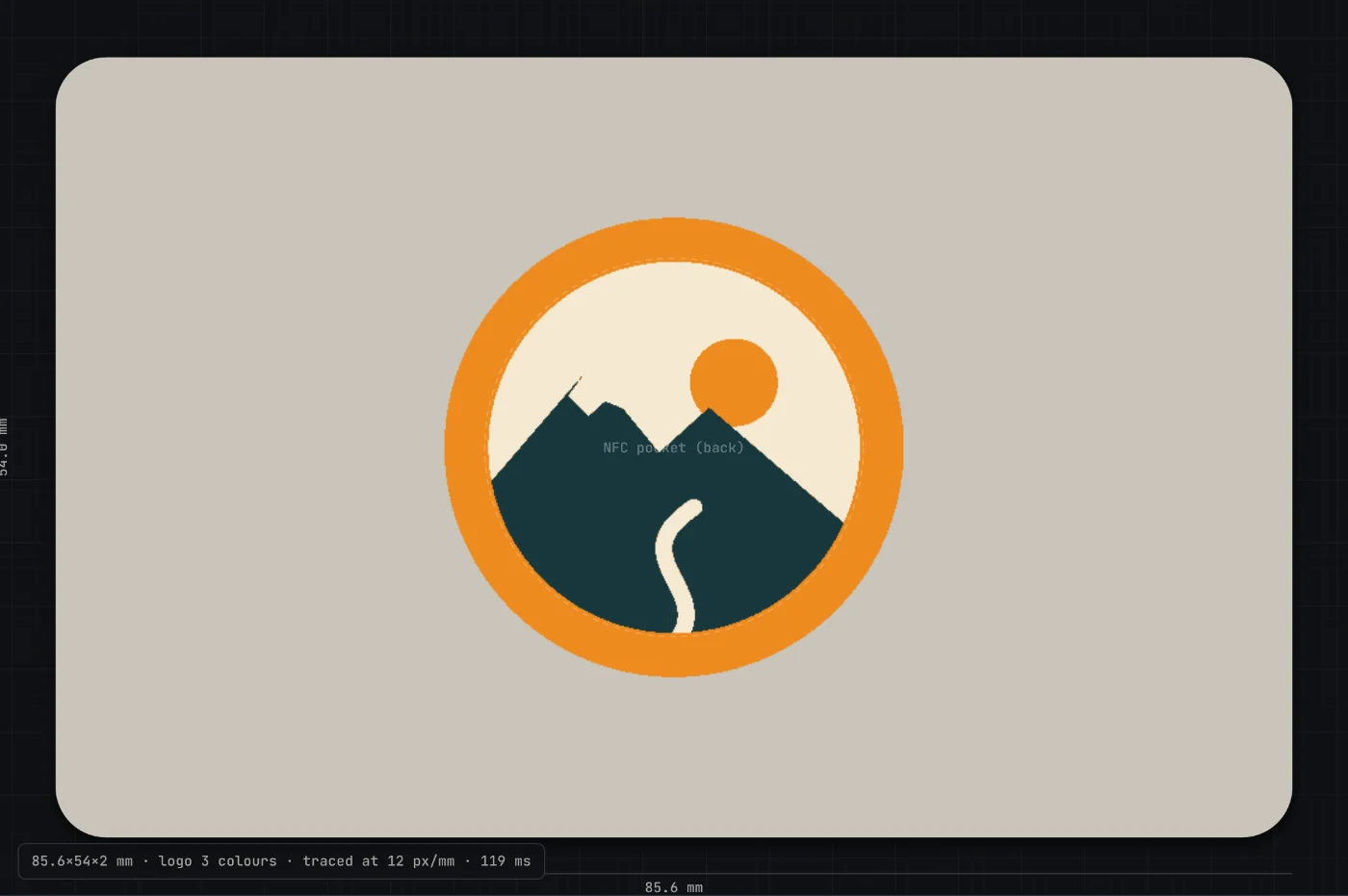
NFC Studio's card face view: a three-colour mountain badge logo centred on a credit-card-sized NFC card.
85.6 × 54 mm · 4 filaments

The tools

Three tools, each built for one kind of print.

Every tool is free to try with nothing to install. Open it, drop in your artwork, and see the result before you pay for anything.

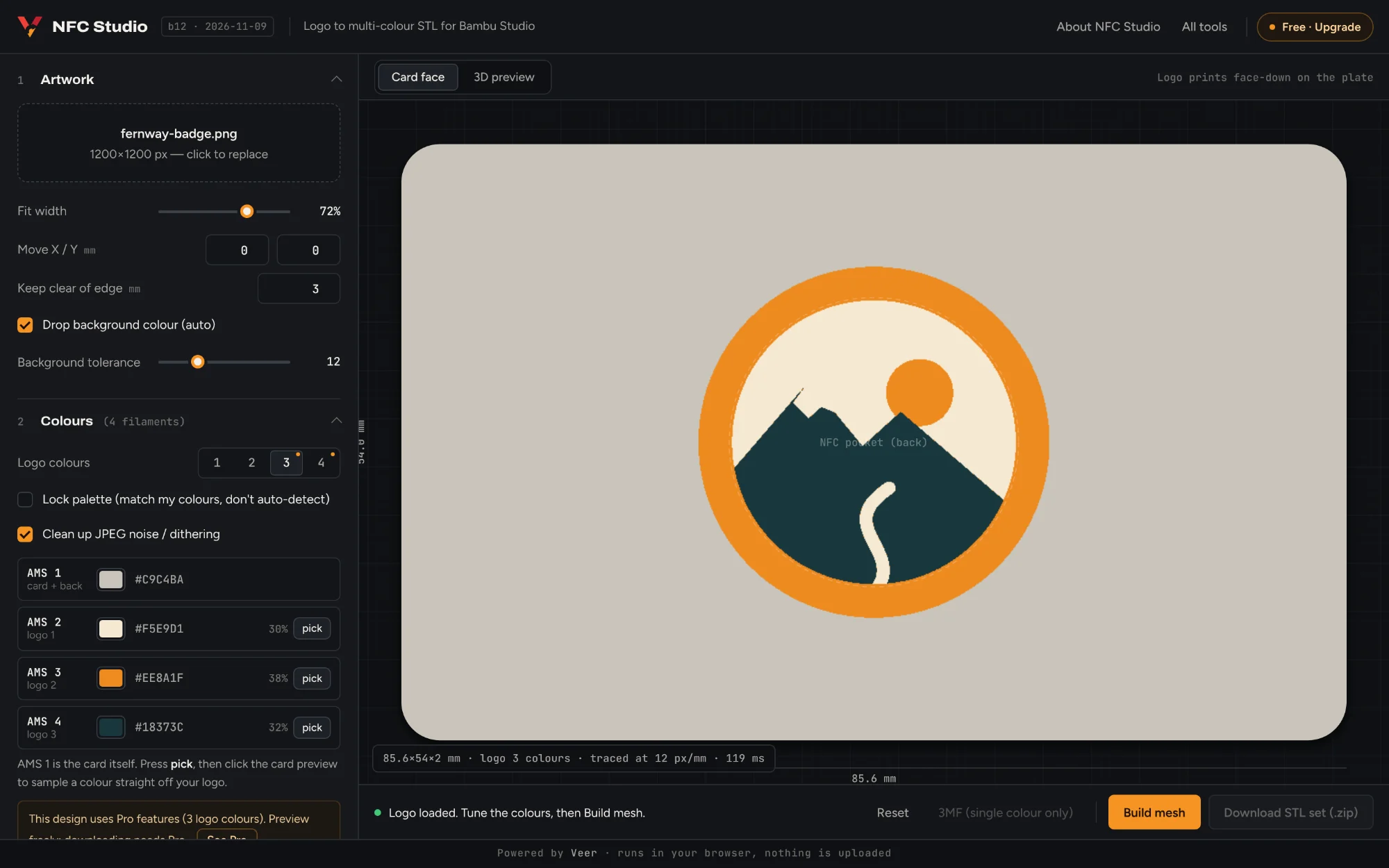
NFC Studio with a three-colour badge logo loaded: artwork and colour controls on the left listing AMS slots 1 to 4, and the card face preview at 85.6 by 54 millimetres on the right.

For NFC business cards and keychains

NFC Studio

Drop in a logo. Get a multi-colour card with a sealed pocket for the NFC tag and the exact layer to pause on.

Files
1_card.stl plus one STL per logo colour, one origin
Shapes
Card 85.6 × 54, pill, disc, keytags from 35 mm, keyring hole
Colours
Up to 4 filaments on one AMS; company text as real geometry
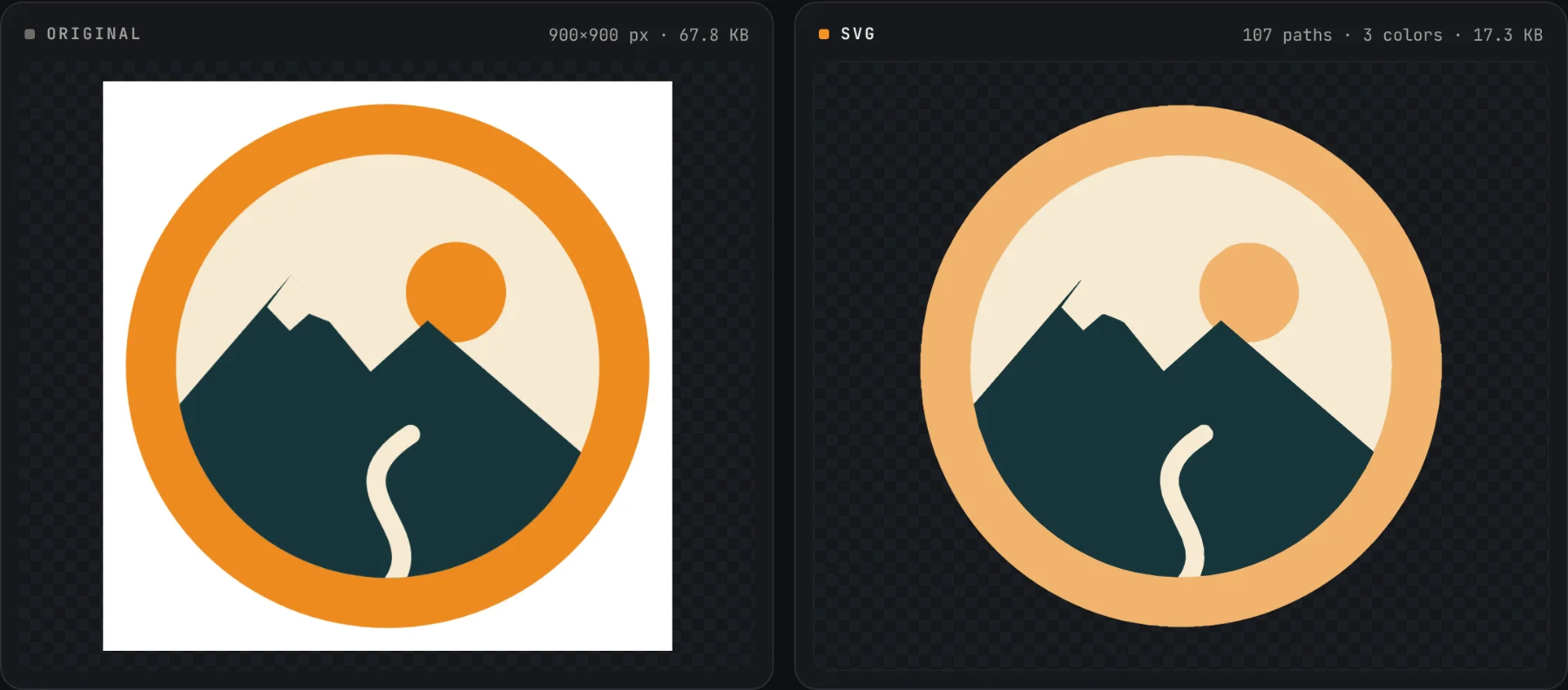
Vectorizer showing the original PNG badge on the left and the traced three-colour SVG on the right: 107 paths, 17 KB.

For cutters, stamps, stencils and lasers

Vectorizer

PNG or JPG in, clean SVG out. Then make it a cookie cutter, a stamp, a stencil or a plaque.

Free
Unlimited SVG with background removal
Pro
SVG at real size in mm with colour layers, DXF R12, batch, and STL for 3D prints
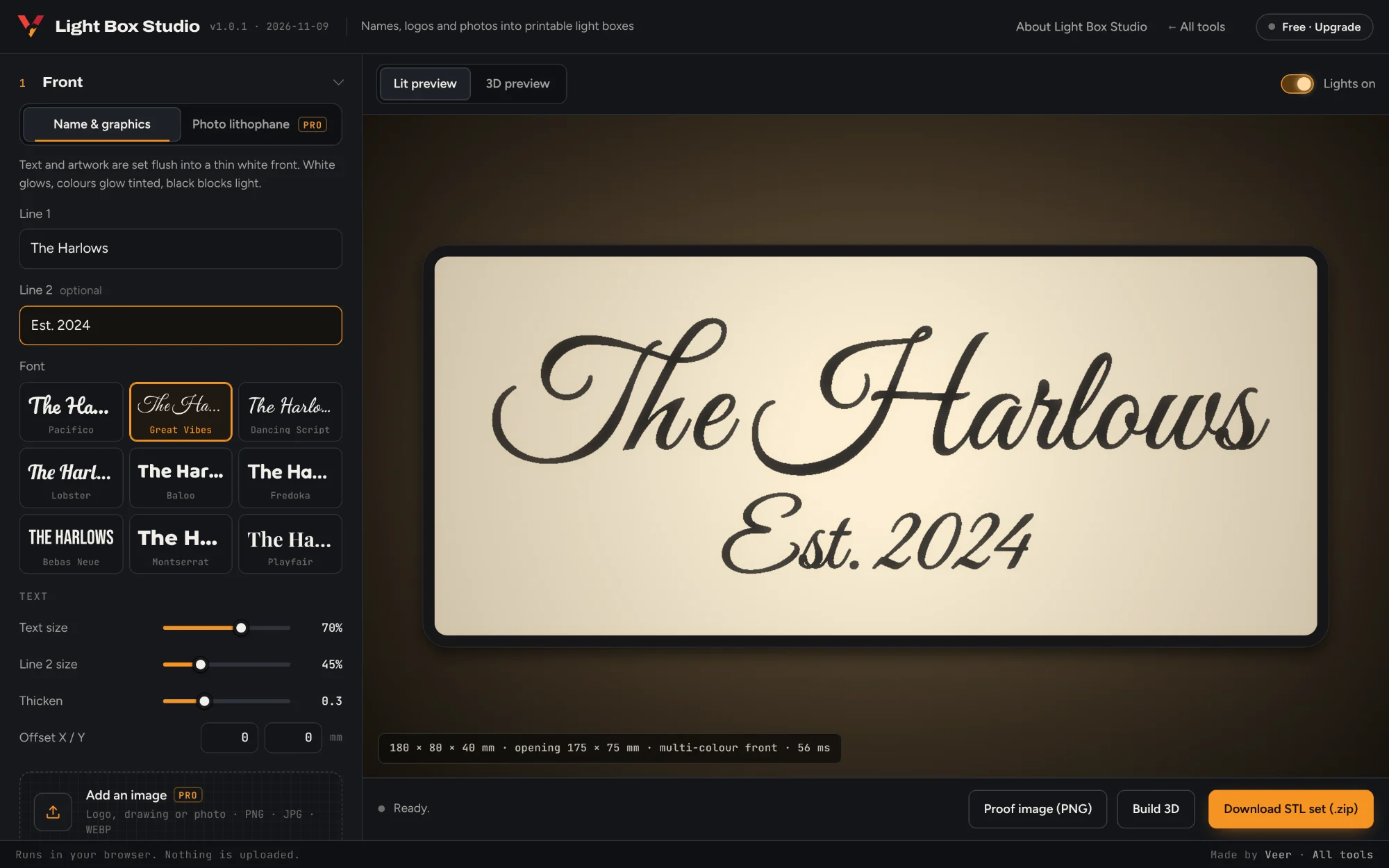
Light Box Studio with the name “The Harlows” and “Est. 2024” typed in, the Great Vibes font selected and a lit preview of the 180 by 80 millimetre sign.

For name signs, gifts and photo lamps

Light Box Studio

Type a name, or drop a logo or photo. Get the frame, a glowing front and a back panel that hangs on the wall.

Parts
Frame, front (colour inlay or lithophane), back with USB cable hole and keyholes
Sizes
180 × 80 name sign, square, wide, 6 × 4 in photo, or custom

How it works

From artwork to the build plate in three steps.

  1. Drop in your artwork

    A PNG, JPG, SVG or WebP logo, a photo, or just a name typed in. The tool separates the colours and traces real vector outlines, not pixel stairs.

  2. Tune it in the live preview

    Pick colours per AMS slot, set the size in millimetres, move the art, add text. The 2D and 3D previews update as you go.

  3. Download and print

    You get one watertight STL per filament. Drag them all into Bambu Studio or OrcaSlicer, load them as one object with multiple parts, and pick a filament for each.

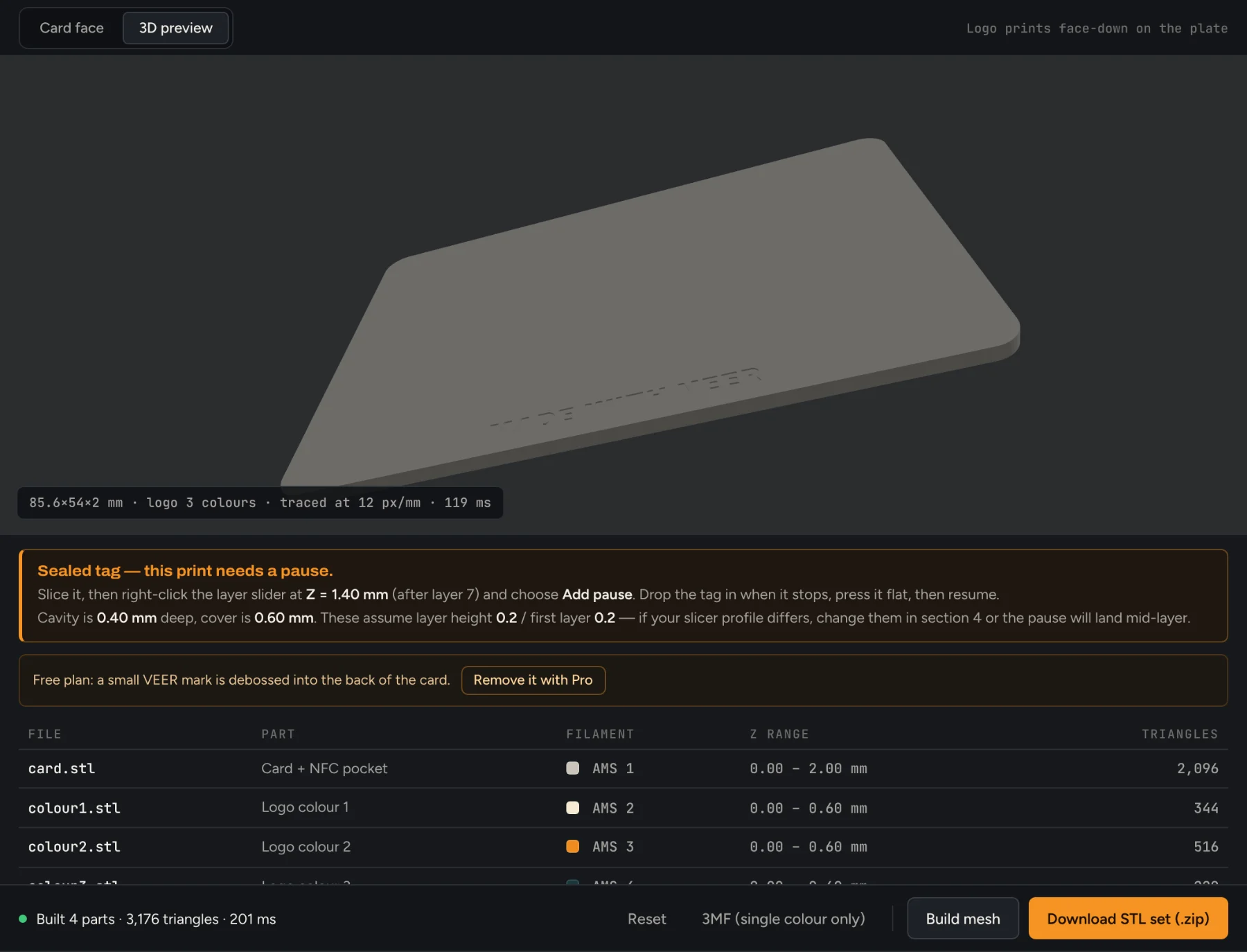
NFC Studio after Build mesh: a 3D preview of the card, a note that the sealed tag needs a pause at Z 1.40 millimetres after layer 7, and the list of parts with their filament slots.
NFC Studio after “Build mesh”: 4 parts, and the exact layer to pause on so you can drop in the NFC tag.

Built for selling

Made for people who sell what they print.

Personalised light boxes, NFC cards and cookie cutters are steady sellers on Etsy and at craft fairs. The tools handle the slow parts of an order.

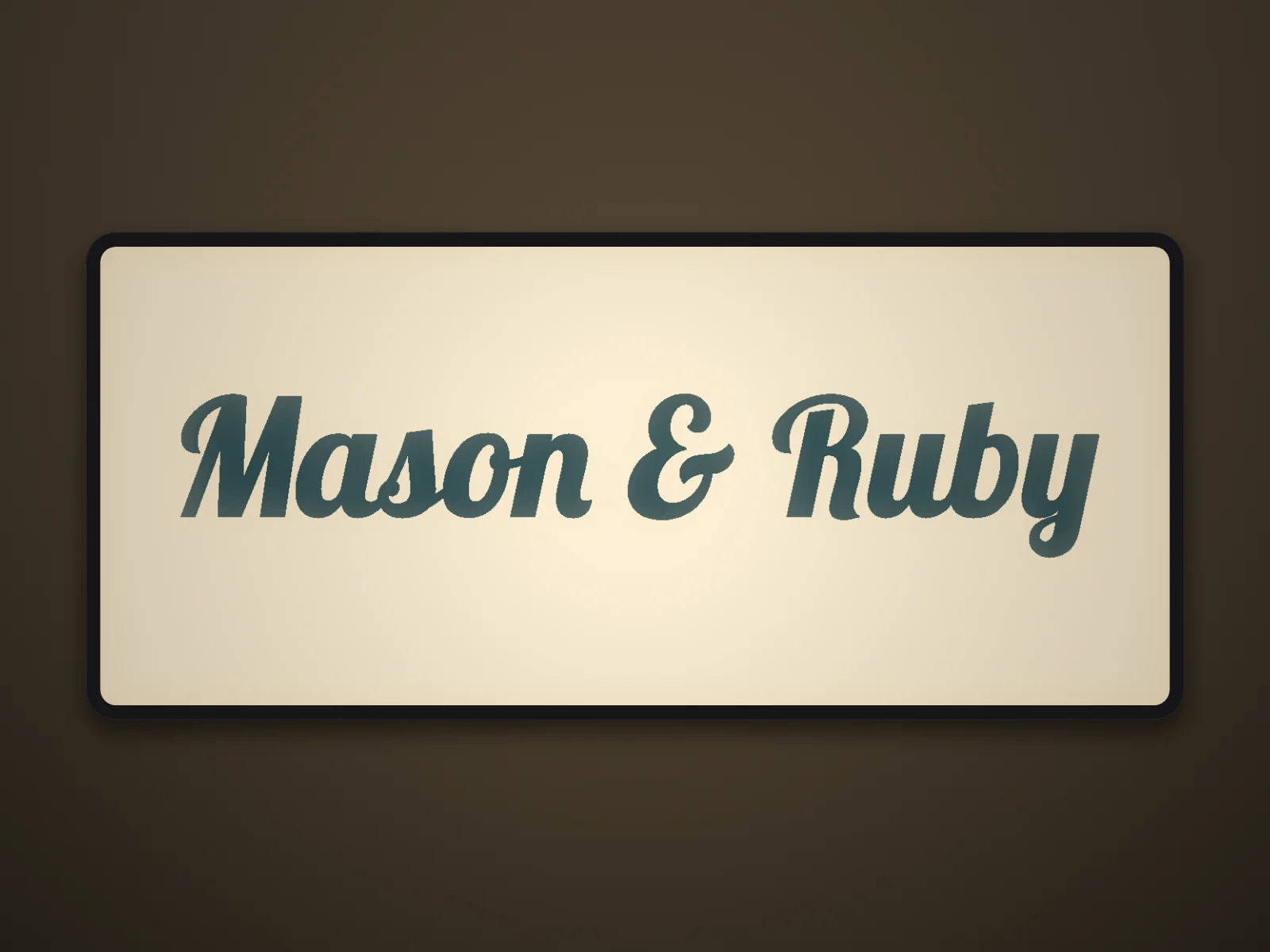
The proof image Light Box Studio exports for a customer: a lit name sign reading “Mason & Ruby” in teal script on a warm dark background.
Proof PNG, as exported

Proof images for the customer

Send a lit mock-up for approval before you start a four-hour print. One click, one PNG.

Batch names

Paste the names from your orders, one per line.

Olivia
The Harlows
Mason & Ruby …

→ one shared frame and back, a front for every name, a proof PNG for each.

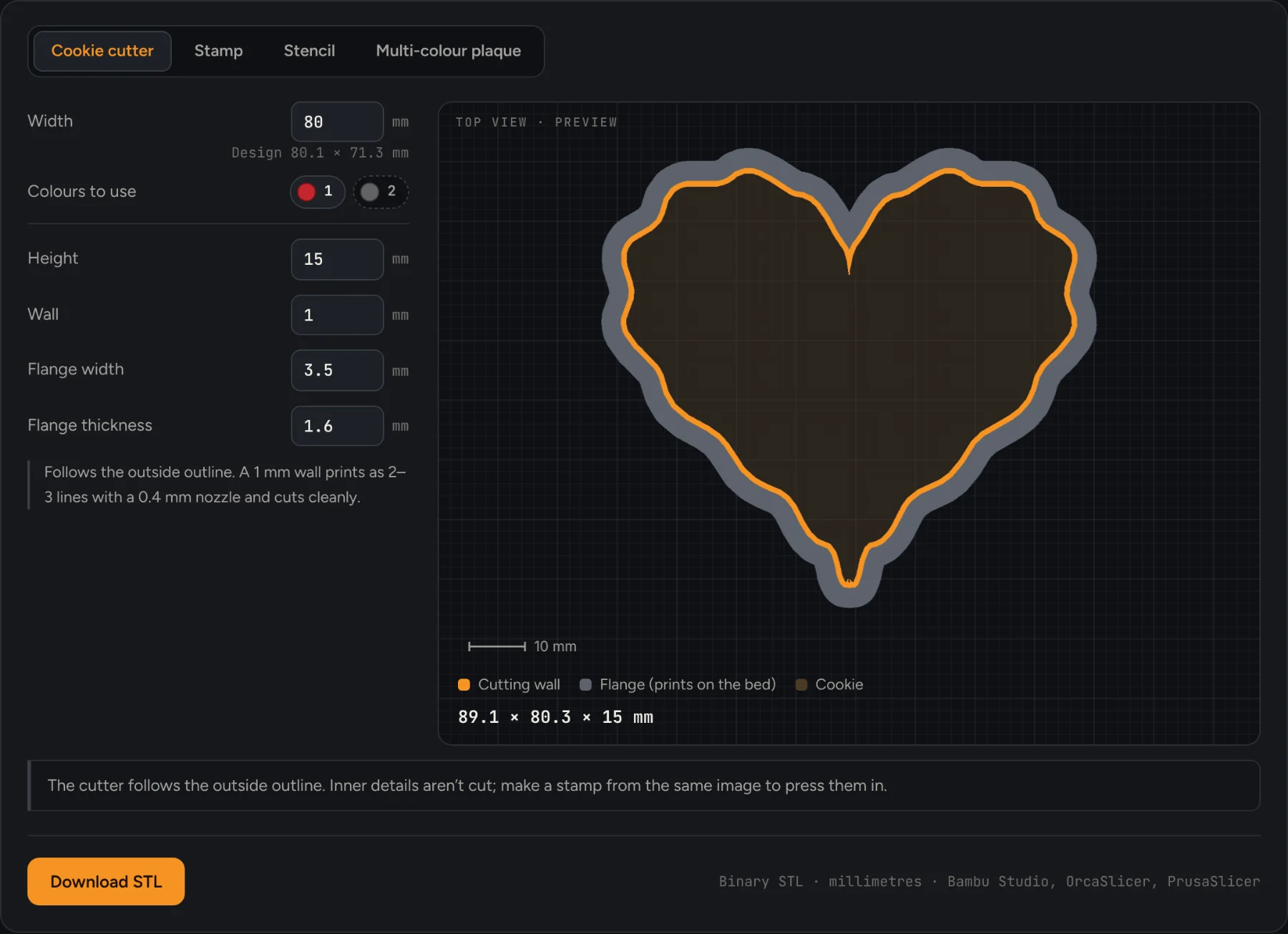
Vectorizer's Print it in 3D panel in cookie cutter mode: a scalloped heart outline with a 1 mm cutting wall and a 3.5 mm flange, 76.6 by 69.3 by 15 millimetres.

Cookie cutters, stamps and stencils

Turn a customer's drawing into a cutter with a flange that prints flat on the bed. Stencils get bridges added so the middle of an O doesn't fall out.

→ STL in millimetres, mirrored where needed.

A Commercial license when it's your business

Pro is for your own prints. If you sell what you make with NFC Studio or Light Box Studio, the Commercial license covers it. One payment, no royalties, no per-sale fees.

Clean backs on paid plans

The free plan debosses a small “MADE WITH VEER” on the back of each part. Pro and Commercial leave it off, so what you ship carries only your brand.

Pricing

Free to use. Pay once if you need more.

Each tool works for free with no account. Pro is a one-time purchase per tool that unlocks with a license key. No subscription.

Prices per tool: Free, Pro and Commercial
ToolFreeProCommercial
NFC Studio

Logo to multi-colour NFC cards and keychains

$0

1–2 logo colours. Small “MADE WITH VEER” on the back.

Open free
$29one-time

Up to 4 colours, company info text, no mark.

Get Pro
$79one-time

Everything in Pro, plus the right to sell your prints.

Get Commercial
Vectorizer

PNG/JPG to SVG, DXF and printable STL

$0

Unlimited PNG/JPG to SVG, background removal. 3D preview.

Open free
$19one-time

Real-size SVG with colour layers, one SVG per colour, DXF, batch, STL download.

Get Pro
No Commercial tier for Vectorizer
Light Box Studio

Names, logos and photos to light boxes

$0

Text names in 9 fonts. Small mark on the back panel.

Open free
$29one-time

Logos, photo lithophanes, batch names, no mark.

Get Pro
$79one-time

Everything in Pro, plus the right to sell what you print.

Get Commercial

Veer Pro bundle: coming soon

Every tool, plus the ones we build next, under one license.

Coming soon

Prices in USD. Pro and Commercial are per tool and unlock in the browser you enter the key in.

No uploads

Your artwork never leaves your computer.

A customer's logo or a family photo is not ours to keep. So the tools don't send it anywhere: the tracing, the colour separation and the 3D mesh are all computed in your browser.

On your machine

  • Your images, names and text
  • Colour separation and tracing
  • 3D meshes and STL / SVG / DXF files
  • Proof images

Sent to us

  • Your license key, when you unlock Pro and when it re-checks
  • Nothing else

No account, no sign-in, no cloud storage. Close the tab and your work is gone from everywhere but your Downloads folder.

FAQ

Questions makers ask.

Does it work with my printer and slicer?

The files are standard STL in millimetres, so any slicer opens them. The multi-colour tools give you one STL per filament. In Bambu Studio or OrcaSlicer, select them all, drag them onto the plate together and answer yes to “load as a single object with multiple parts”, then pick a filament for each part. The tools are made with Bambu printers and the AMS in mind, but any multi-material setup works the same way.

What's the difference between Pro and Commercial?

The features are the same. Pro is for your own prints: your business cards, gifts, things for friends. Commercial adds the right to sell what you print, for example light boxes or NFC cards on Etsy or at markets.

Is it a subscription?

No. Pro and Commercial are one-time purchases per tool. You get a license key, enter it once in the tool, and it stays unlocked.

Does it work offline?

Yes. All the work happens in your browser, so once a tool has loaded it doesn't need the internet. A Pro unlock is stored in your browser and keeps working offline; it re-checks the key now and then when you're back online.

Do I need an account?

No. There's nothing to sign up for. Open a tool and start.

Which browser should I use?

A recent Chrome or Edge on a laptop or desktop works best. The 3D preview uses WebGL, which every current desktop browser supports.

Can I get a refund?

Contact us within 14 days if a tool doesn't work for you. You can reach us on Instagram at @getveer or through veersolutions.com.

From the studio

Veer also builds websites and marketing for small businesses.

The same people who make these tools design sites, run campaigns and make ads for shops and makers. If your print business needs a proper home online, talk to us.

Visit veersolutions.com