Your logo, off the plateas an NFC card.
Drop in a logo. NFC Studio splits it into flat colors, traces clean edges and hands you a set of STL files your Bambu prints in up to four filaments, with the NFC tag sealed inside and the pause layer worked out for you.
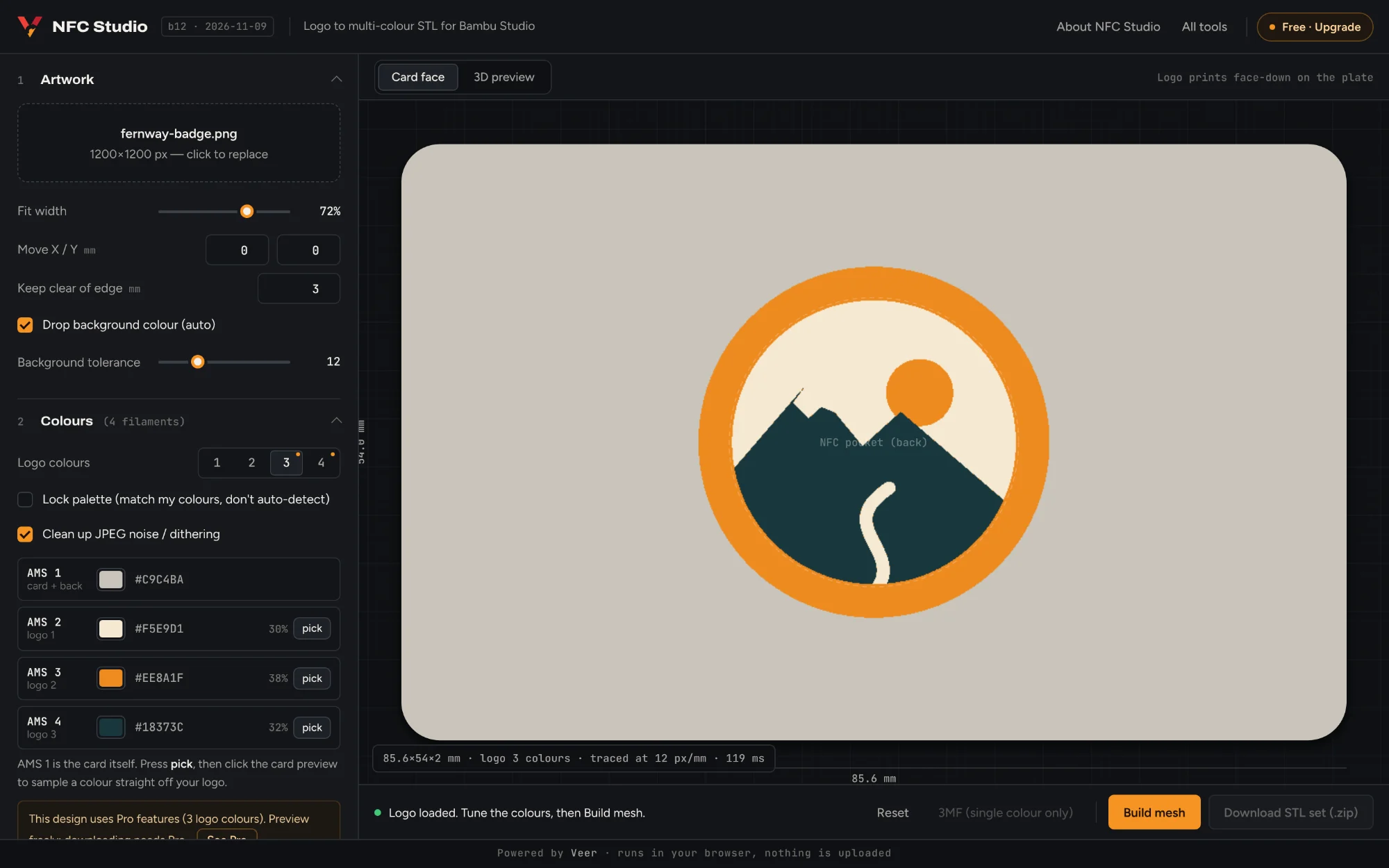
The real tool, working inside this page. Nothing you load is uploaded anywhere.
Business cards and keychains with an NFC tag inside.
1_card.stl plus one STL per logo color, one origin.
Up to 4 filaments on one AMS; company text as real geometry.
Card, pill, disc, keytags from 35 mm, keyring hole.
The fiddly parts are already handled
A pretty preview is easy. A card that comes off the plate right the first time takes a few details most logo-to-STL tools skip.
Sealed tag
No sticker, no recessThe tag ends up fully enclosed. The cavity is built to your tag's real thickness, so the cover prints straight onto the tag instead of sagging over open air.
Pause layer
For example Z = 1.80 mmIt tells you exactly where to stop. The cavity floor and ceiling are snapped to real layer boundaries, so the pause lands cleanly and the back stays flat.
AMS slots
Body is AMS 1, logo is 2–4Every file has a slot. Sample colors straight off your logo, or lock your own palette.
Face-down
Mirrored for youThe card prints face-down, so a textured plate becomes the card's finish. When you peel it off and turn it over, it reads the right way around.
Watertight
Closed, manifold meshesColor parts drop exactly into recesses in the card, with no gaps or overlaps. Bambu Studio shouldn't ask to repair them.
Color swaps
0.6 mm of color is three layersColor only lives in the first few layers, so filament changes, and purge, stop early.
One click to a sensible size
Each preset sets the outline, thickness, tag size and keyring hole together. Keychains are 3 mm because they take more abuse than a card.
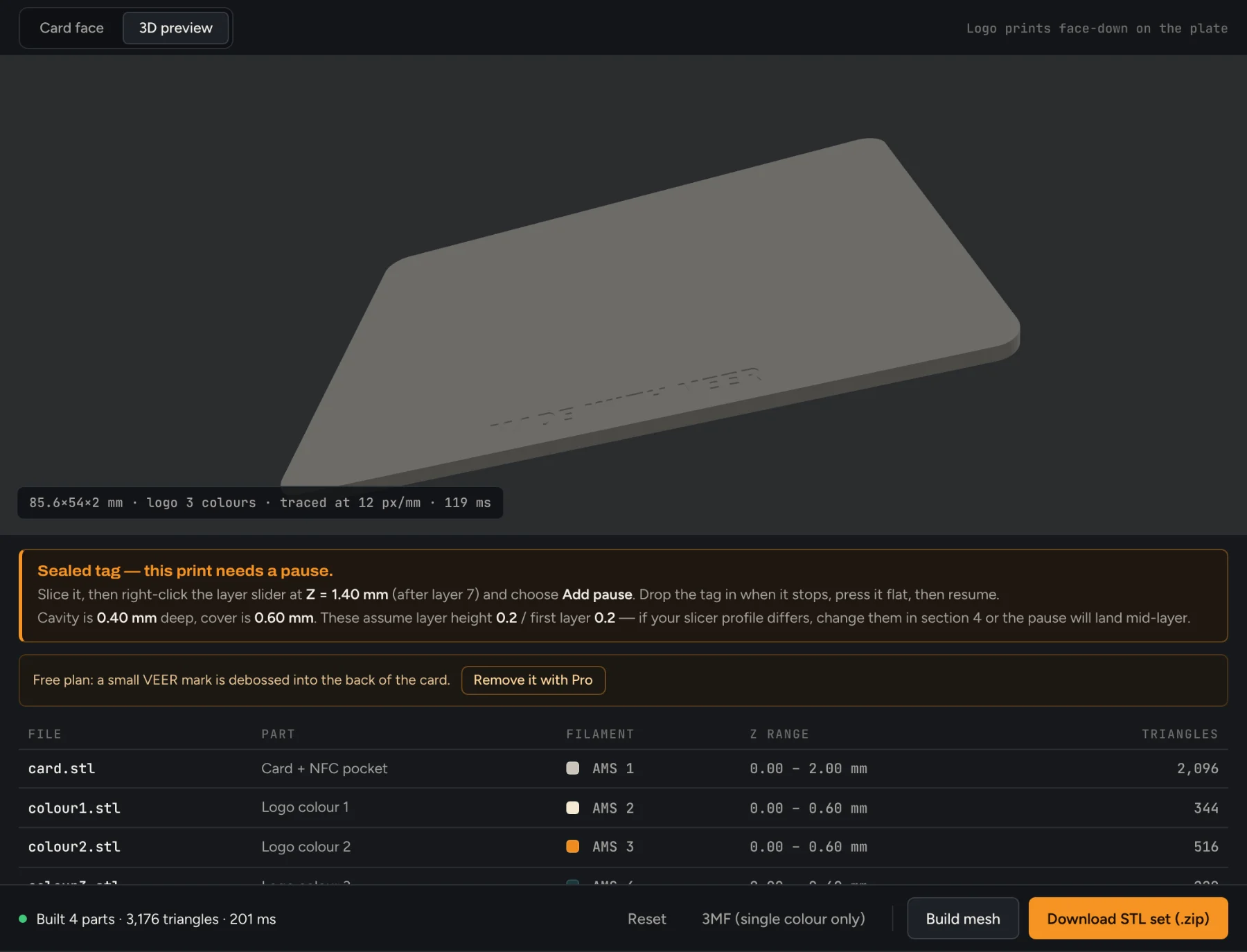
From logo file to a card in your hand
Everything happens in the browser tab. No install, no account, and your files stay on your machine.
Drop in your logo
PNG, JPG, SVG or WebP. A transparent PNG or an SVG traces best. The background color is dropped automatically.
Check the colors
It separates the art into flat colors and shows which AMS slot each one goes to.
Pick a card or keychain
Choose a preset and a tag. Add company info as real geometry if you like.
Build and download
Build the mesh, spin the 3D preview, then download the STL set as a .zip.
Free to use. Pay once if you need more.
Pro is a one-time purchase that unlocks with a license key. No subscription.
- Everything in Pro
- The right to sell your prints
- No royalties, no per-sale fees
Prices in USD · unlocks in the browser you enter the key in
Names, logos and photos as signs that glow.